| Release Date | October 14, 2015 |
| Product(s) Affected | Kangaroo Mobile Desktop |
| Operating System | Microsoft Windows 10 |
|
NOTICE: The information in this document, including products and software versions, is current as of the Release Date. This document is subject to change without notice. |
|
Procedures for reinstalling the Windows 10 Operating System
If you're experiencing problems with the factory pre-installed operating system it may sometimes be necessary to re-install the operating system using the pre-defined Recovery Options included within the operating system.
If you're experiencing problems relating to operating system instability, we suggest following the below procedures for recovery:
- Click Start
 > Settings
  > Update & Security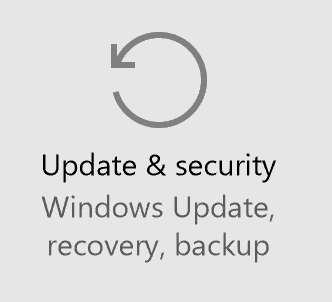
- Select Recovery > Reset this PC > Get Started
- Select from the (2) available options (Keep my files, or Remove everything).
- Follow the onscreen instructions for the option selected.
IMPORTANT NOTE:
When performing the above procedures it's important to keep in mind that both options will remove any user-installed applications, requiring re-installation of any applications.
Keep my files: Removes installed applications and custom settings, but will keep your personal files (documents, pictures/videos, etc.)
Remove everything: Removes all personal files, applications and settings.
Comments